

Submit a referral
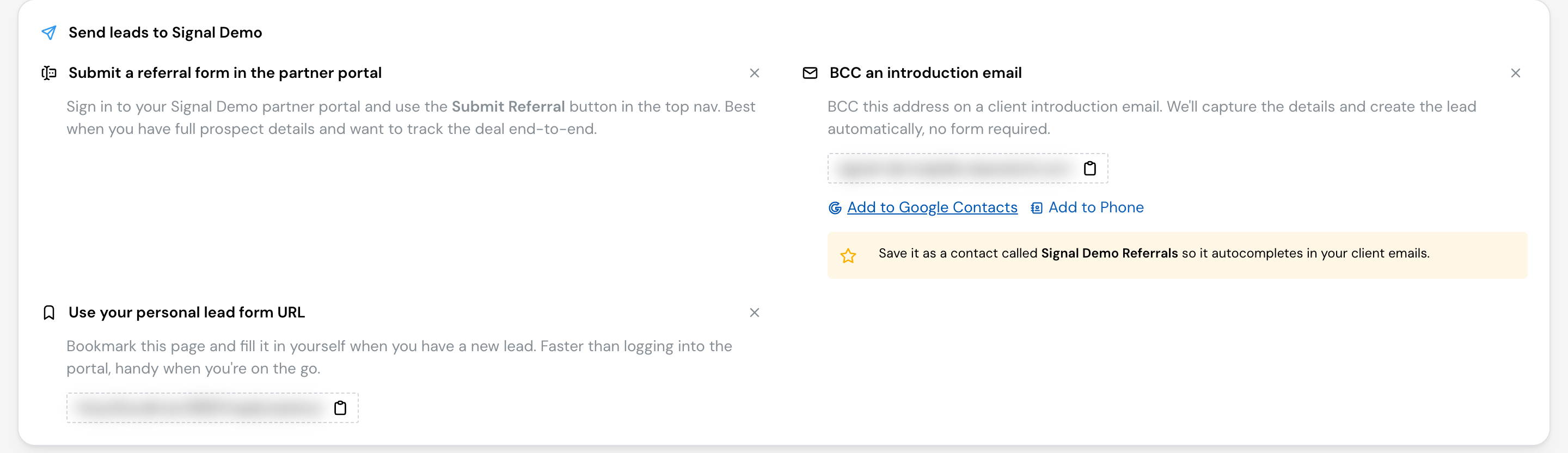
A referral is a lead you send into the program. When one you sent closes and earns a reward, you’re paid for it. There are several ways to submit one: pick whichever fits how you work. Your Home page lists the ones your program offers under the ways to send leads.
From your portal
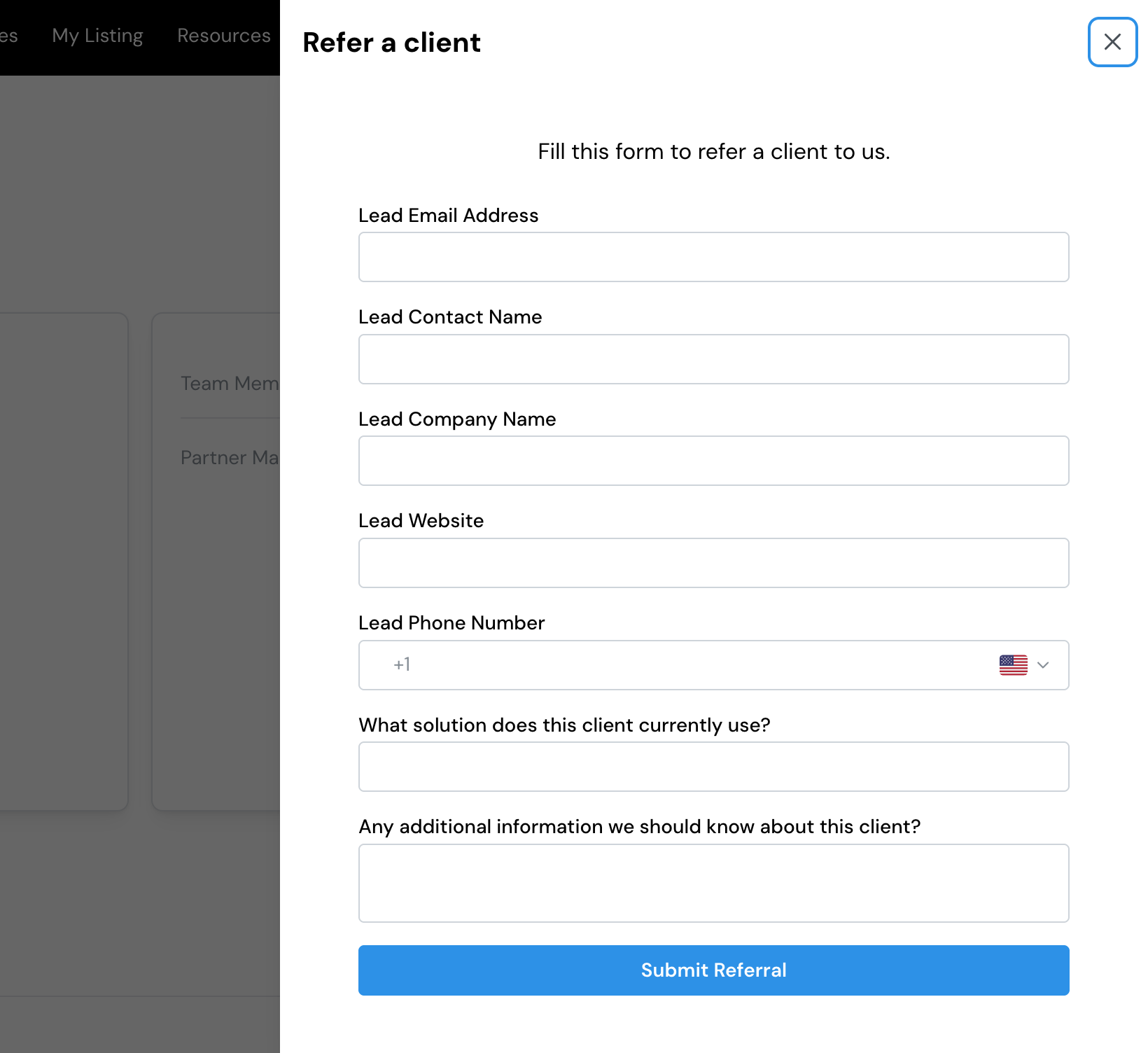
Open Referrals and start a new one. You fill in a short form (usually the company, a contact, and a few details your program asks for), then submit. Your program sets the form, so the exact fields vary from one program to the next.
Fill in as much as you can. The more complete your referral, the faster your program can review and accept it.
With a referral link
Your program may give you a referral link to share. When someone you refer fills in the form behind that link, the referral is credited to you automatically, so you don’t have to enter it yourself. This is useful for referring from your website, an email, a newsletter, or a post.
If your program offers embedding, the same form can sit directly on your own website, and referrals through it still come back to you.
By email
Every program on Lasso has its own referral email address. When you write the introduction email you’d send anyway (“Alex, meet Sam…”), add that address in BCC (or send or forward the email to it). Lasso reads the email, picks out who is being referred and their company, and turns it into a referral for your program to review. There’s no form to fill in and no need to sign in.
Your program’s address is shown on your Home page under the ways to send leads, and stays on your Referrals page if you dismiss it from Home. It has a one-click copy button and options to save it to your Google Contacts or your phone. Save it as a contact so it’s easy to add to any email.
Your program credits the referral to you by checking who sent it, so send from the email address you use in your portal. If you email from somewhere else, your program can still accept the referral, but they’ll need to confirm it came from you.
With your personal lead form link
Some programs give you a personal lead form link. Bookmark it and fill it in yourself whenever you have a new lead: it’s faster than signing in to the portal, and handy on your phone. If your program offers one, you’ll find it on your Home page under the ways to send leads. When the form asks for your email, use the one you sign in with, so the referral is credited to you; if it can’t be matched, your program’s team sees it as a draft to sort out.
From Slack
If your organization has connected Slack, type /lasso submit-lead in any channel to open the same form as the portal. See Use Lasso in Slack.
What happens after you submit
Once you submit:
Your referral is saved and credited to you, and your program is notified to review it.
Your program looks it over and, if it's a fit, accepts it into the pipeline.
From Referrals, you follow it through each stage until it closes.
Follow each referral from submitted to closed, and see what you’ve earned.