

Run a payout
A payout is how you pay your partners the commission they’ve earned. Lasso turns earned commissions into partner payments without spreadsheets or manual tracking. You pick the month you’re paying for, review what’s owed, and send it, all in one place.
This is for admins who manage partner payments.
What it does
When a partner’s referral closes won, Lasso automatically works out what that partner has earned from your reward setup and records it as an unpaid commission, so the amount owed is always ready when you are. You never calculate commissions by hand or risk paying the same one twice.
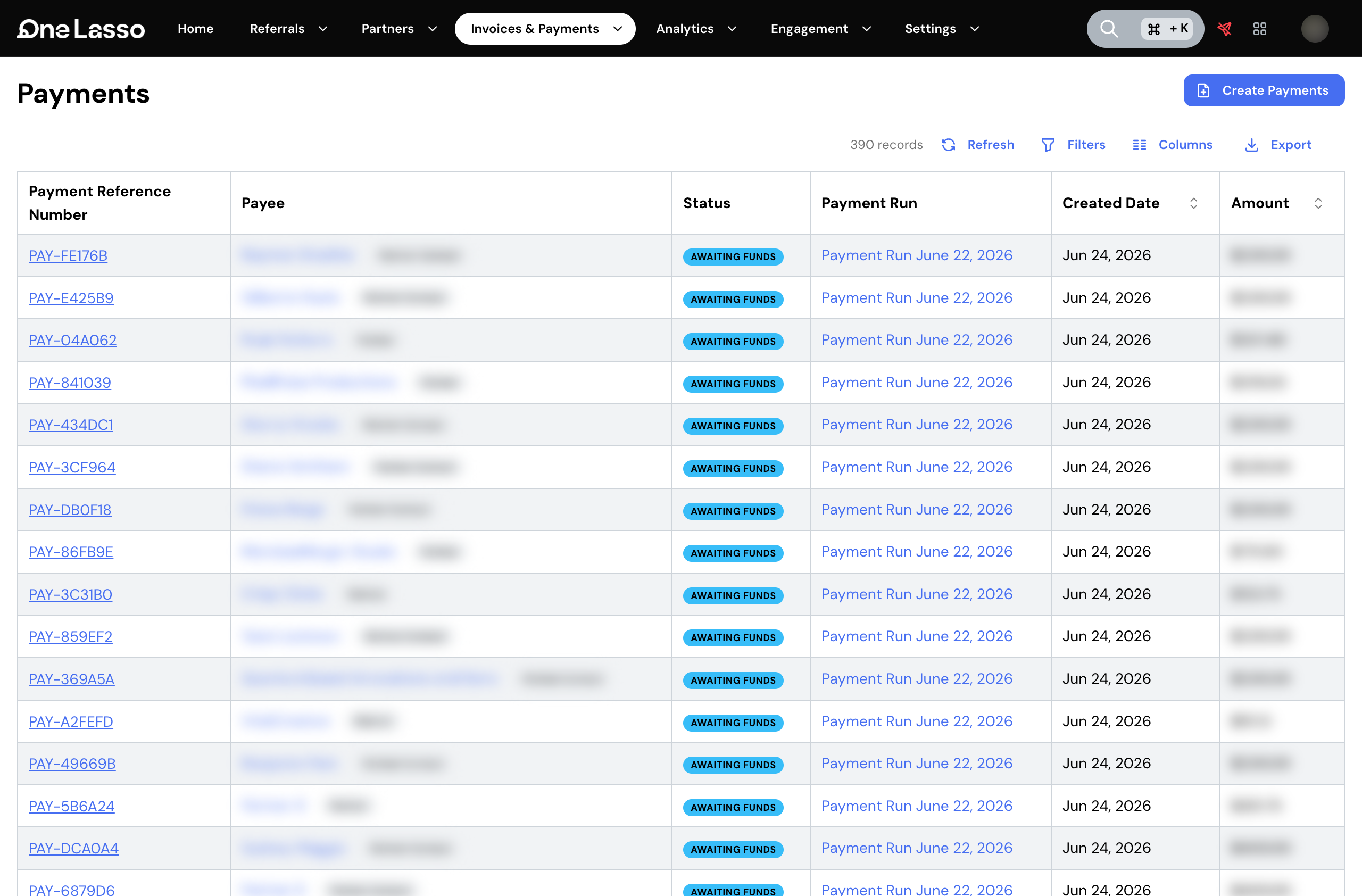
When it’s time to pay, you choose the month of revenue you’re paying for and Lasso gathers everything earned from it, including anything still owed from earlier months. You confirm the partners and totals, and send. Each partner is paid by bank transfer into the account they’ve set up, in the currency they’ve chosen, wherever in the world they are. You can follow a payout as it goes out and see where each partner’s payment stands.
What you need first
- A funded account balance. Lasso pays partners from your account balance, so you need enough on hand to cover a payout before it can go out. See Fund your account.
- Partners ready to be paid. A partner receives a payment only once they’ve set up where their money should go, have verified tax details on file, and have signed any required agreements. See Partner payout & tax setup and Taxes & 1099s.
Lasso shows you who’s ready and who still has setup to finish, so it’s clear who can be paid in a given run.
What you can configure
- How payouts are reviewed and approved: these responsibilities can be split across your team so one person prepares a payout and another sends it.
- One-off payments, for paying a partner something outside the normal commission flow, or paying a single commission right away.
See the full guide
The complete walkthrough, covering preparing a payout, reviewing and adjusting it, sending it, tracking individual payments, and handling a low balance, lives in your Lasso account.