

Partner payout & tax setup
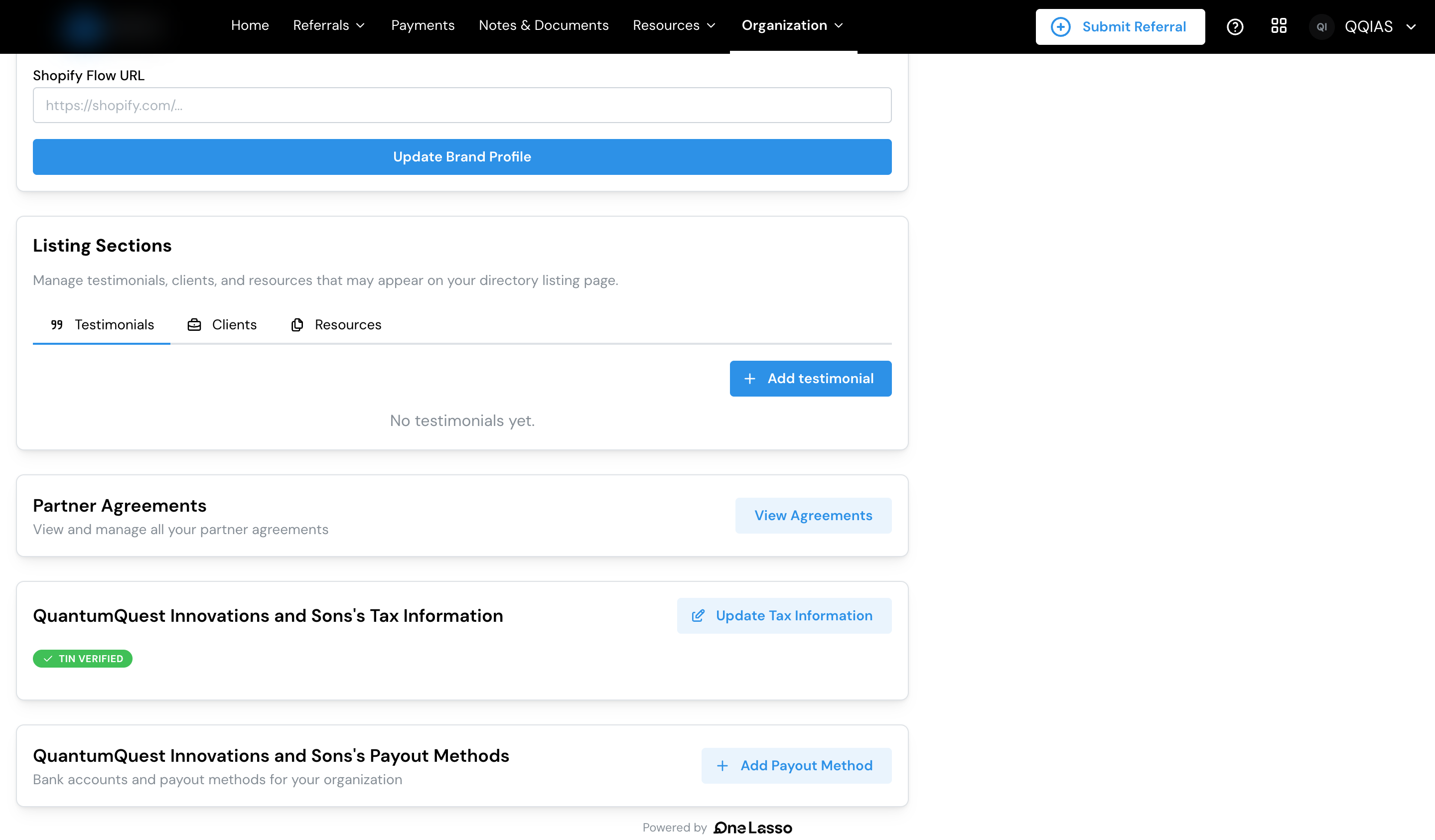
Before a partner can receive a payment, they set up a payout method (where the money goes) and a verified tax document (a tax form on file), and sign any required agreements. Until all three are in place, their earned commissions are held rather than paid.
This page is written for partners, but admins should read it too. You’ll often help partners through this setup, and your account manager can add payout currencies.
What it does
Partner payout setup makes sure money reaches the right place and that everything’s in order to pay it. Partners are paid by bank transfer in 49 currencies, in the currency they choose, so partners around the world can be paid into their local bank account while your account always pays in its own currency. A partner adds their bank details and tax details once, and from then on their earned commissions can be paid automatically.
Lasso makes the status clear on both sides: a partner can see what’s left to finish, and an admin can see which partners are ready to be paid and which are still blocked.
What you need first
- A partner account with access to payout settings.
- For the tax side, the partner’s tax details. See Taxes & 1099s.
What you can configure
- Payout method: partners add the bank account their payments go to and the currency they want to receive.
- Organization vs personal setup: payments can be directed to a company or to an individual, depending on how a partner is paid.
- A default method: when a partner has more than one account on file, they pick which Lasso uses. A bank account a partner adds once works across every program they belong to on Lasso, and each program has its own default.
- Protected changes: any change to where a partner’s money goes has to be confirmed by the partner, so payment details can’t be quietly redirected.
- For admins: payout currencies: Lasso sets which currencies partners can be paid in; your account manager can add more.
See the full guide
The complete walkthrough, covering setting up a payout method, choosing a payout currency, organization vs personal setup, setting a default, and how supported currencies work, lives in your Lasso account.