

CRM field mapping
field mapping controls what data Lasso writes into your CRM. When Lasso creates or updates a company, contact, deal, or opportunity, field mapping decides which CRM fields get populated and what value each one receives, so your partner and referral data lands exactly where your sales and reporting teams expect it.
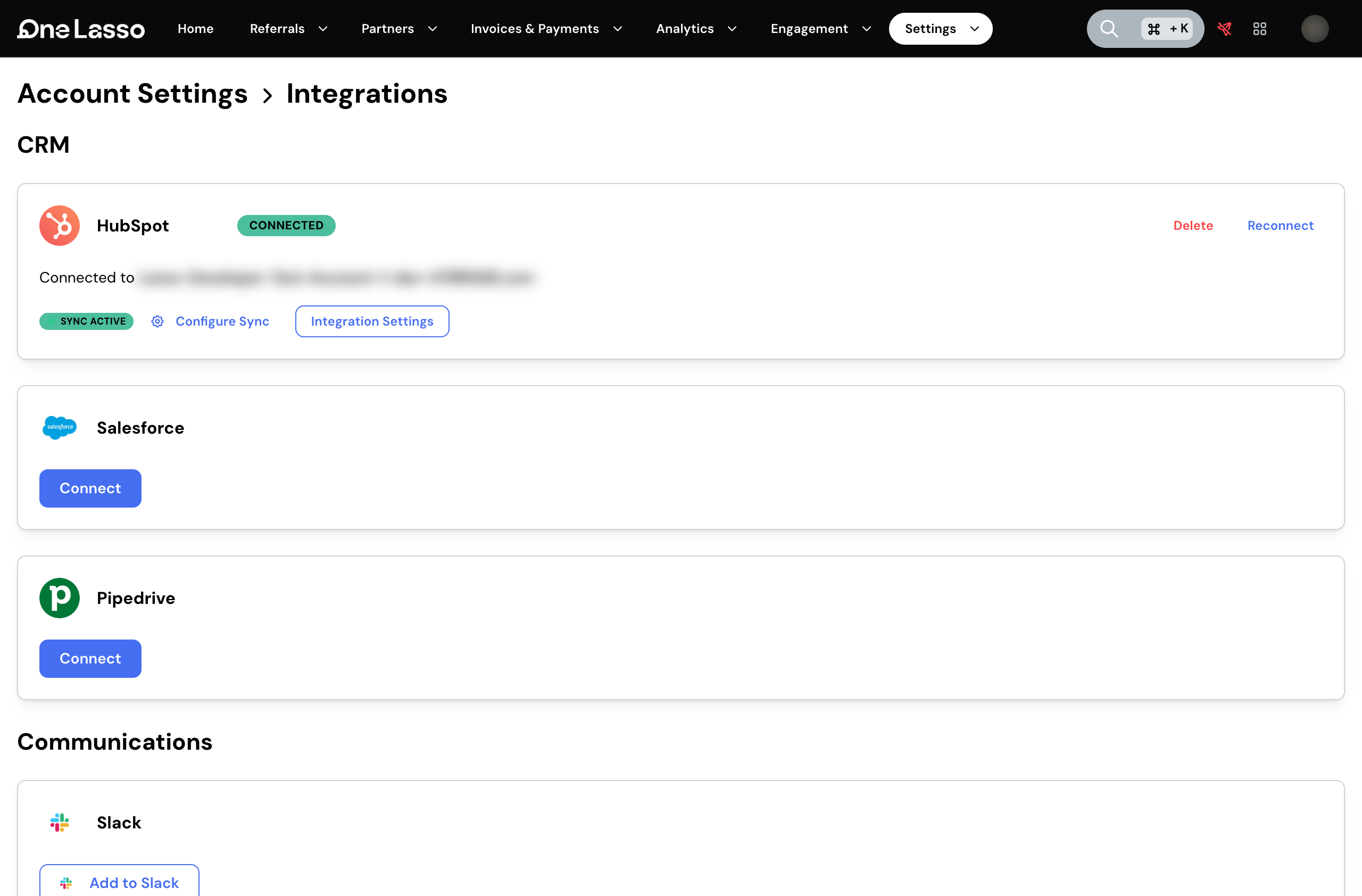
The mapping model works the same way across HubSpot, Salesforce, and Pipedrive; the specific fields and objects you can map to are read live from whichever CRM you’ve connected.
How it works
A field mapping is a list of rows, each one filling a single CRM field with a single value. For every row you choose the CRM object and field, where the value comes from, and whether Lasso should keep that field up to date on records that already exist or set it only when first creating a record. That last choice lets you keep some fields authoritative in Lasso while leaving others for your sales team to own once a record exists.
Values can come from several sources, from a fixed value to an answer on the referral form. This is how partner attribution, referral context, and ownership all land in the right CRM fields automatically.
Per-partner-type overrides
Different partner types often need different data in your CRM. A reseller may need different fields filled than a referral partner. Your default mappings apply to every partner, and on top of those you can layer overrides that apply only to partners of a given type, for partner, contact, and referral records alike.
Mapping also works in the other direction for HubSpot and Salesforce. When Lasso pulls partners or deals in from your CRM, the same mapping decides which CRM fields fill in the matching details on the Lasso side, so records arrive with the right context already in place.
Set it up
The full walkthrough, covering building mapping rules, choosing what each field receives, and tailoring mappings per partner type, lives in your Lasso account.