

Import & migrate your data
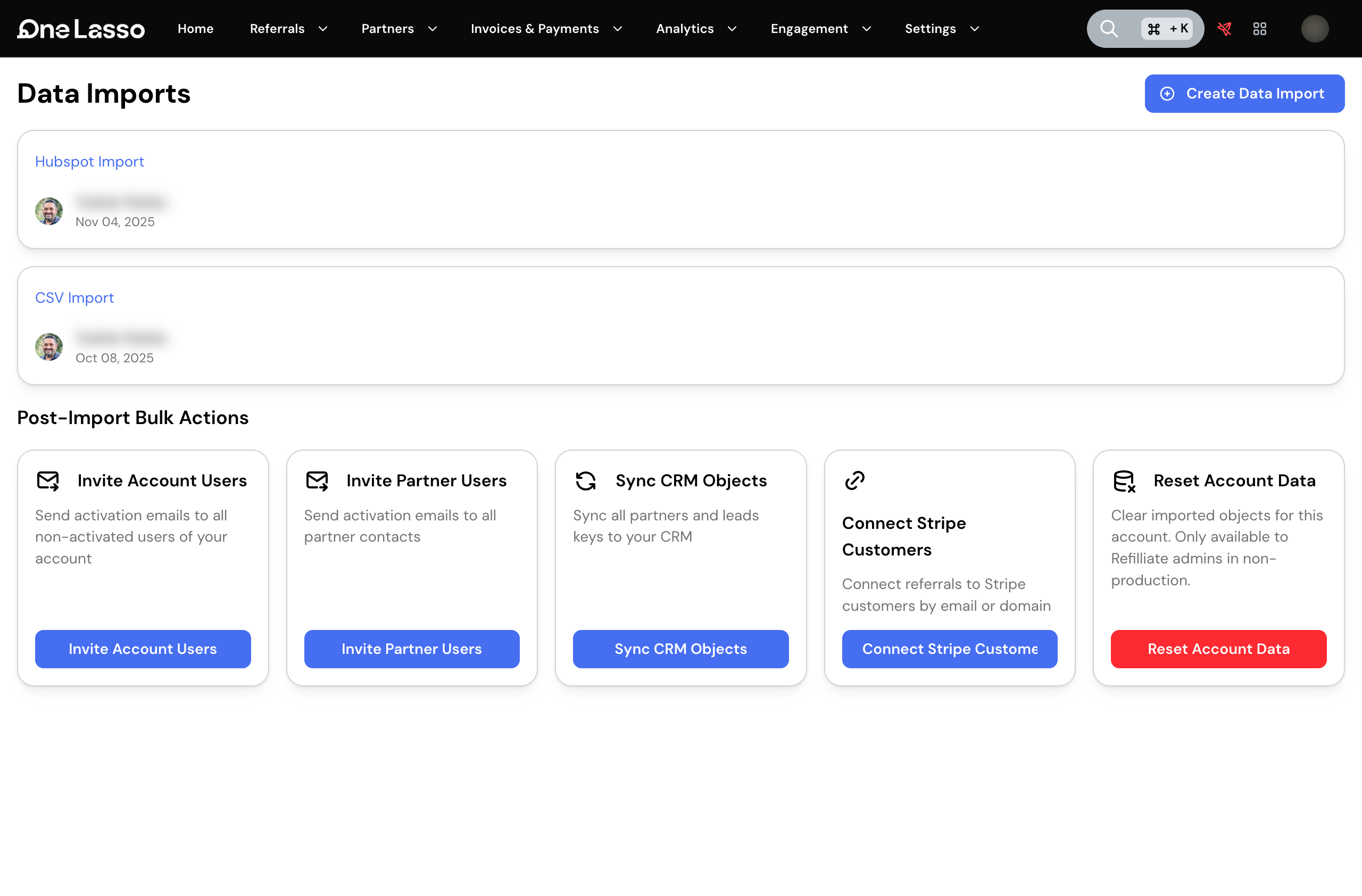
You don’t have to set up your program one partner at a time. Lasso can import your partners, contacts, and referrals in bulk, whether you’re starting fresh from a spreadsheet or migrating from another platform. You can also update many existing records at once. It’s how teams move onto Lasso quickly and keep their data tidy afterward.
Bringing data in
Lasso imports from a few sources, so you can start from whatever you already have:
- A CSV file you export from a spreadsheet or another tool.
- PartnerStack, HubSpot, or PartnerPage, for teams migrating an existing partner program. Lasso pulls your records in and helps match them up so they land as the right kind of partner.
An import brings in partners along with their contacts and the details that travel with them, so your roster arrives populated rather than as empty profiles.
Updating records in bulk
Once your data is in, you can change a lot of it at once instead of editing record by record. Upload a spreadsheet of existing partners (or referrals) with the fields you want to change, and Lasso applies the updates together. It’s the fastest way to do things like re-tag a segment of partners or correct a field across your roster.
You see problems before they land
Imports are staged for your review before anything is loaded, and bulk updates are validated row by row before they run, so you can fix issues in the source rather than discovering them after the fact. Larger jobs show their progress as they run.
Set it up
The full walkthrough, covering importing from each source, the CSV templates, importing partner tags, and running bulk updates, lives in your Lasso account.