

Connect Slack
What Lasso is, and what this app solves
Lasso is a partnership platform. Companies use it to run a referral and reseller program: tracking partners and their contacts, capturing referrals, managing agreements, calculating rewards, and paying partners out.
The problem is that partnership activity is easy to lose track of. Referrals come in, agreements get signed, payouts get approved, and none of it reaches the people who need to act on it until someone opens a dashboard. Meanwhile the person best placed to refer a deal is usually mid-conversation in Slack, not sitting in another tab.
The Slack integration closes both gaps. It puts partner activity in the channels your team already lives in, and it lets anyone submit a referral without leaving Slack.
How it works in Slack
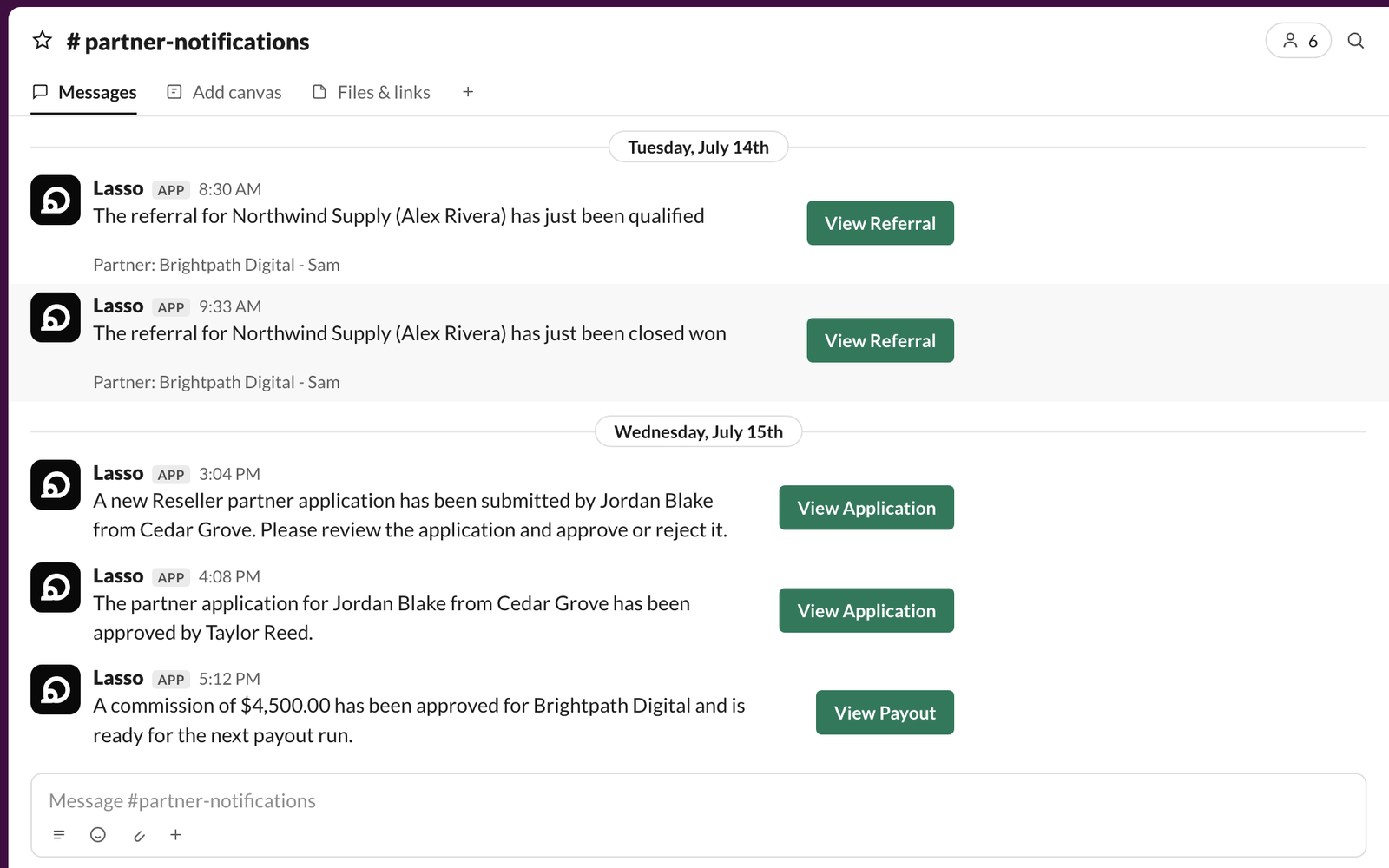
Once your workspace is connected, Lasso posts updates to the Slack channels you choose as things happen: new referrals, payout approvals, partner applications, and referral status changes. Send everything to one channel, or route different kinds of activity to different teams.
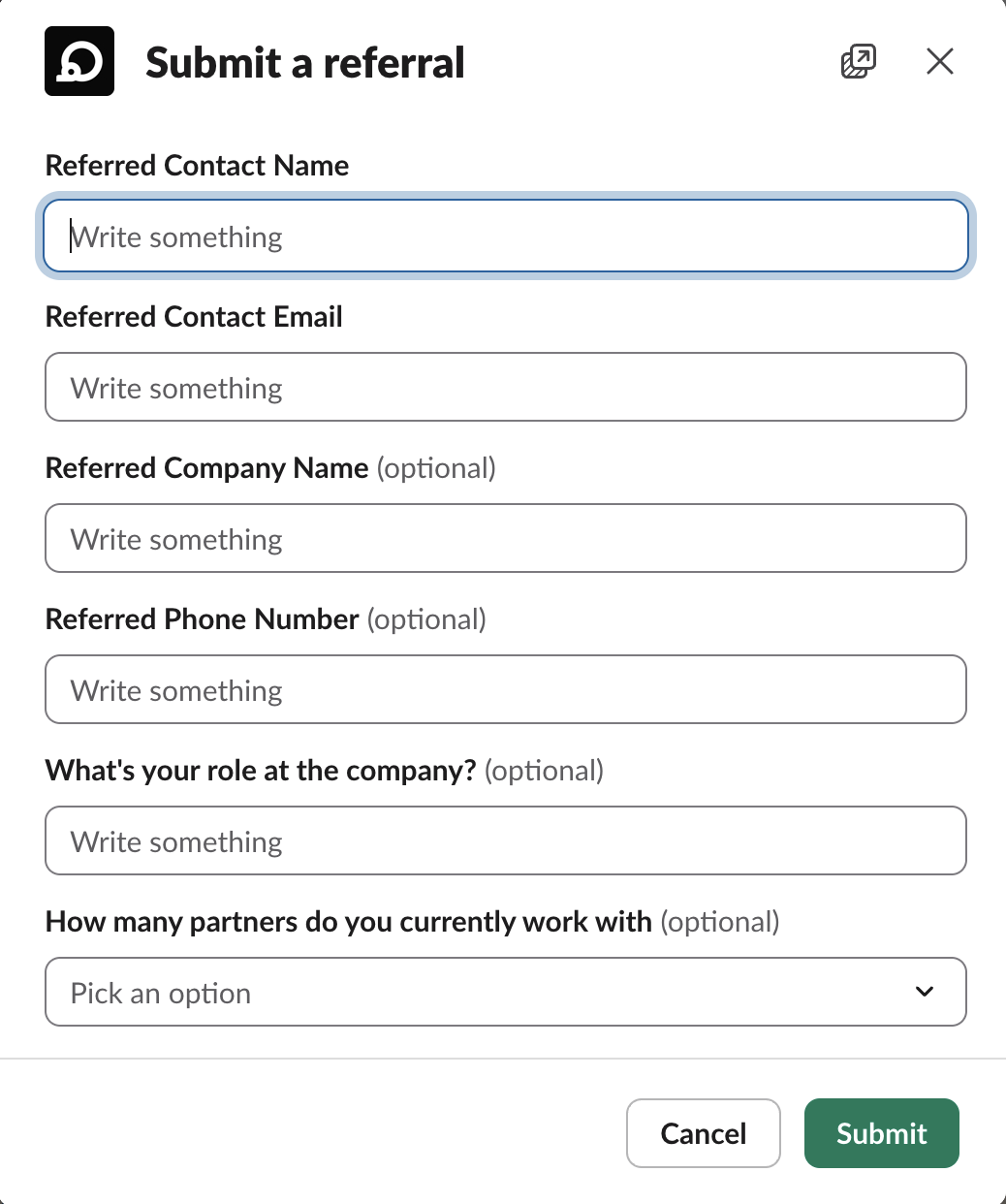
Your team can also submit a referral from inside Slack. A short form opens in Slack, collects the referred contact and company, and the referral lands in Lasso exactly as if it had been submitted in the app.
Or skip the form entirely: mention the app in a Slack thread where a referral is being discussed, and it drafts the referral from the conversation for someone to review in Lasso. Team members and partners can also pull up a private summary of their referral pipeline without leaving Slack.
You can run a shared Slack channel with each partner too, so your team and theirs work in one place instead of over email. Each partner’s activity, including their agreements, shows up in their own channel, and partners can use the app in their own Slack workspace as well.
Installing the app
You need a Lasso account, plus permission to add an app to your Slack workspace. Each Lasso account connects to one Slack workspace.
Sign in to Lasso and open Settings, then Integrations. Slack is listed under Communications with an Install Lasso in Slack button, which is where installation starts. The app appears in the Slack Marketplace as OneLasso.
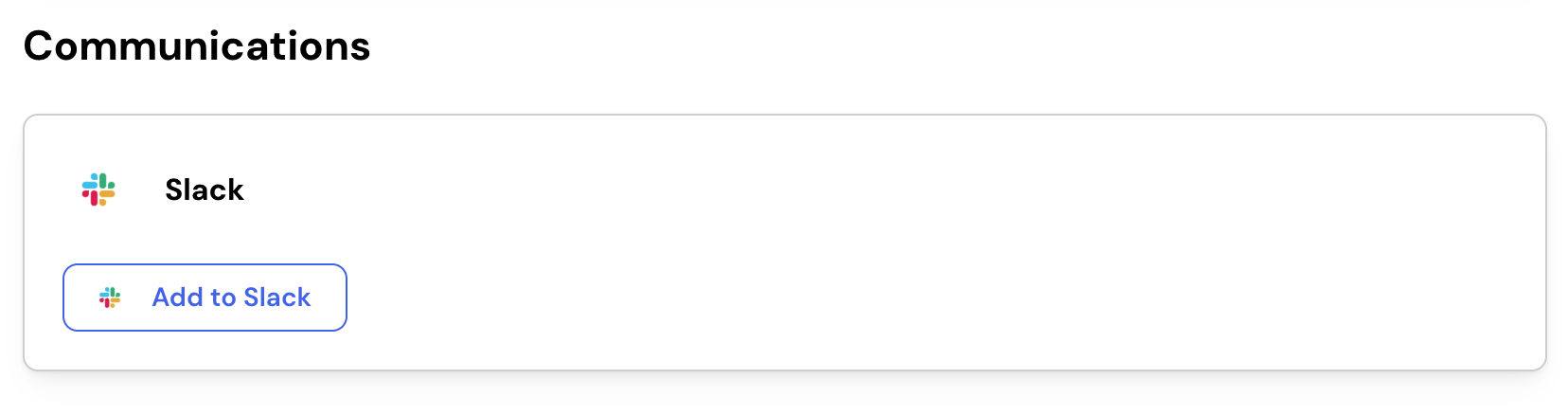
Slack asks you to confirm the workspace and approve access. Once you approve, you return to Lasso with the connection confirmed.
Lasso connects to a single Slack workspace rather than to a whole Slack organization, and on Enterprise Grid a Slack org admin needs to run the install. The setup guide below covers what to expect.
After you install
Three things to do next, all from Settings, then Integrations:
- Choose which channel each kind of partner update posts to.
- Have each teammate link their own Slack user, so Lasso can message them directly and recognize them in Slack.
- Set up a shared channel with a partner you work with closely.
AI-generated content
When you @-mention OneLasso in a Slack thread, it uses AI to read that conversation and draft the referral details for you. AI can misread context and produce inaccurate or incomplete results, so review anything it fills in before you submit.
Pricing
The OneLasso Slack app is included with every OneLasso plan at no additional cost, both for the company running the partner program and for the partners taking part in it. Partners are never billed by OneLasso to access the program. For OneLasso pricing, contact moc.ossaleno@troppus.
Privacy policy and support
Lasso’s privacy policy covers what the Slack integration accesses and how that data is handled. For help installing or configuring the app, contact moc.ossaleno@troppus.
The full walkthrough, covering connecting your workspace, routing notifications to channels, linking Slack users, and setting up shared channels with your partners, lives in your Lasso account.