

Connect HubSpot
The HubSpot integration keeps your partnership data and your CRM in sync automatically. Partners and referrals you manage in Lasso show up in HubSpot at the right companies, contacts, and deals. When a deal moves forward in HubSpot, the matching referral in Lasso updates to match. Your partnership team works in Lasso, your sales team works in HubSpot, and neither side falls out of date.
How it works
The integration is bidirectional: changes you make in Lasso are reflected in HubSpot, and changes in HubSpot are reflected in Lasso. Partners and their contacts stay current as companies and contacts, referrals become deals (or leads) with the referring partner attached, and deal progress stays aligned between the two systems. Lasso looks for your existing HubSpot records before it creates new ones.
Report on partner-sourced pipeline inside HubSpot
As it syncs, Lasso stamps two identifiers onto your HubSpot records: one that marks which partner is attached to a record, and one that marks which referral it came from. Lasso creates these fields for you when you connect, and keeps them populated as partners and referrals sync.
Because they live on your own companies, contacts, and deals, you can report, filter, and automate on partner-sourced pipeline entirely inside HubSpot, without logging into Lasso. Build a list of every deal a given partner sourced, group your dashboard by partner, or trigger a HubSpot workflow when a deal is partner-sourced. Your revenue data and your partner data sit side by side in one place.
Before you start
- A HubSpot account, and permission in HubSpot to install apps.
- The Developer or Partner Settings Write permission in Lasso.
Install and connect
Lasso connects to HubSpot through HubSpot’s standard OAuth flow. There are no API keys to copy and nothing to build in HubSpot.
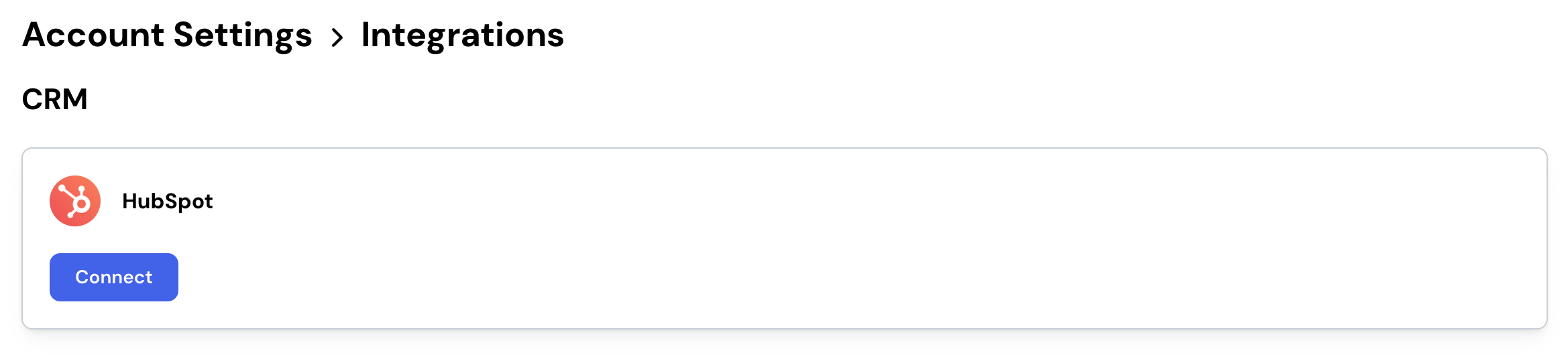
- In Lasso, go to Settings, then Integrations.
- Find HubSpot and click Connect.
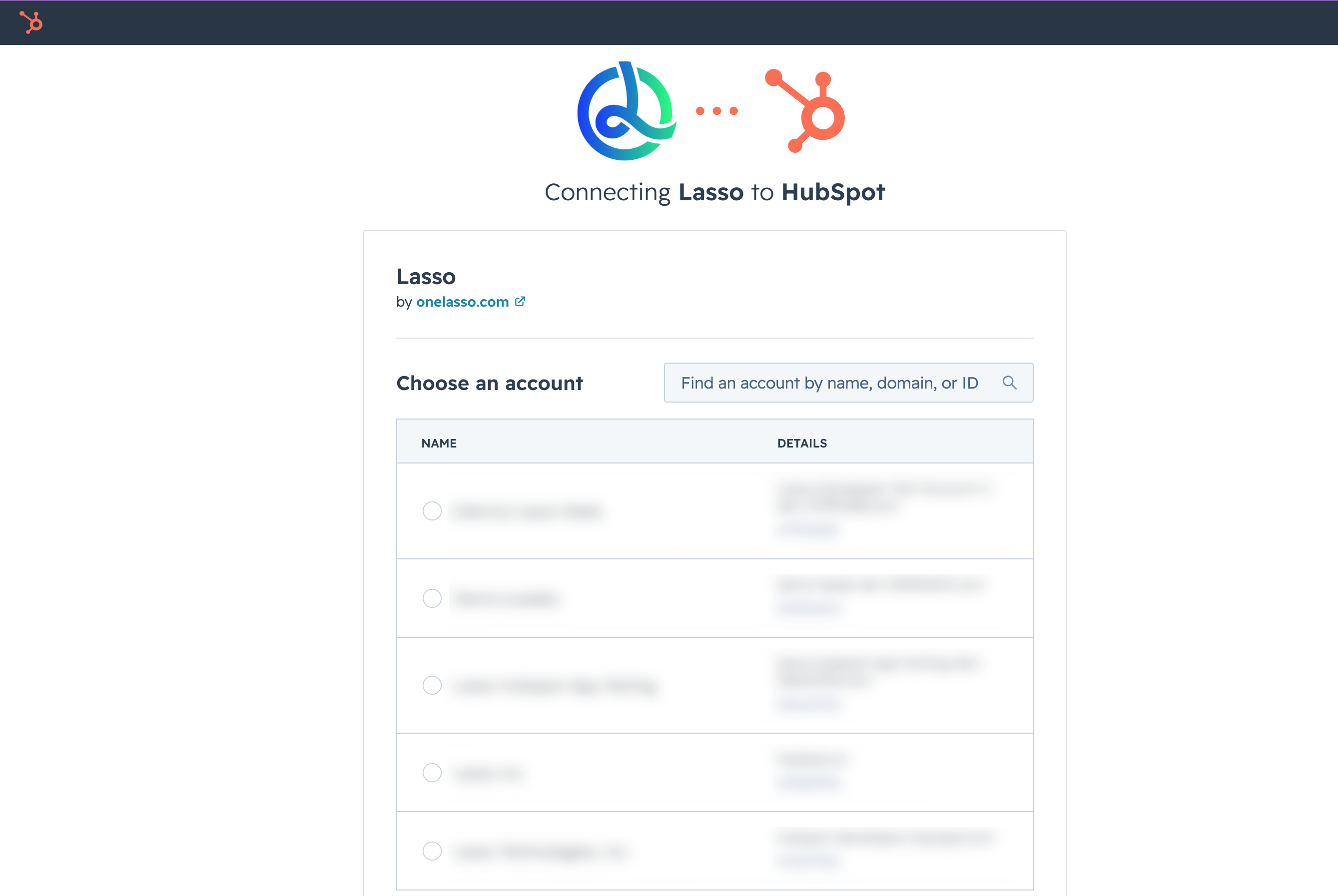
- You are sent to HubSpot to sign in and choose the account (portal) you want to connect.
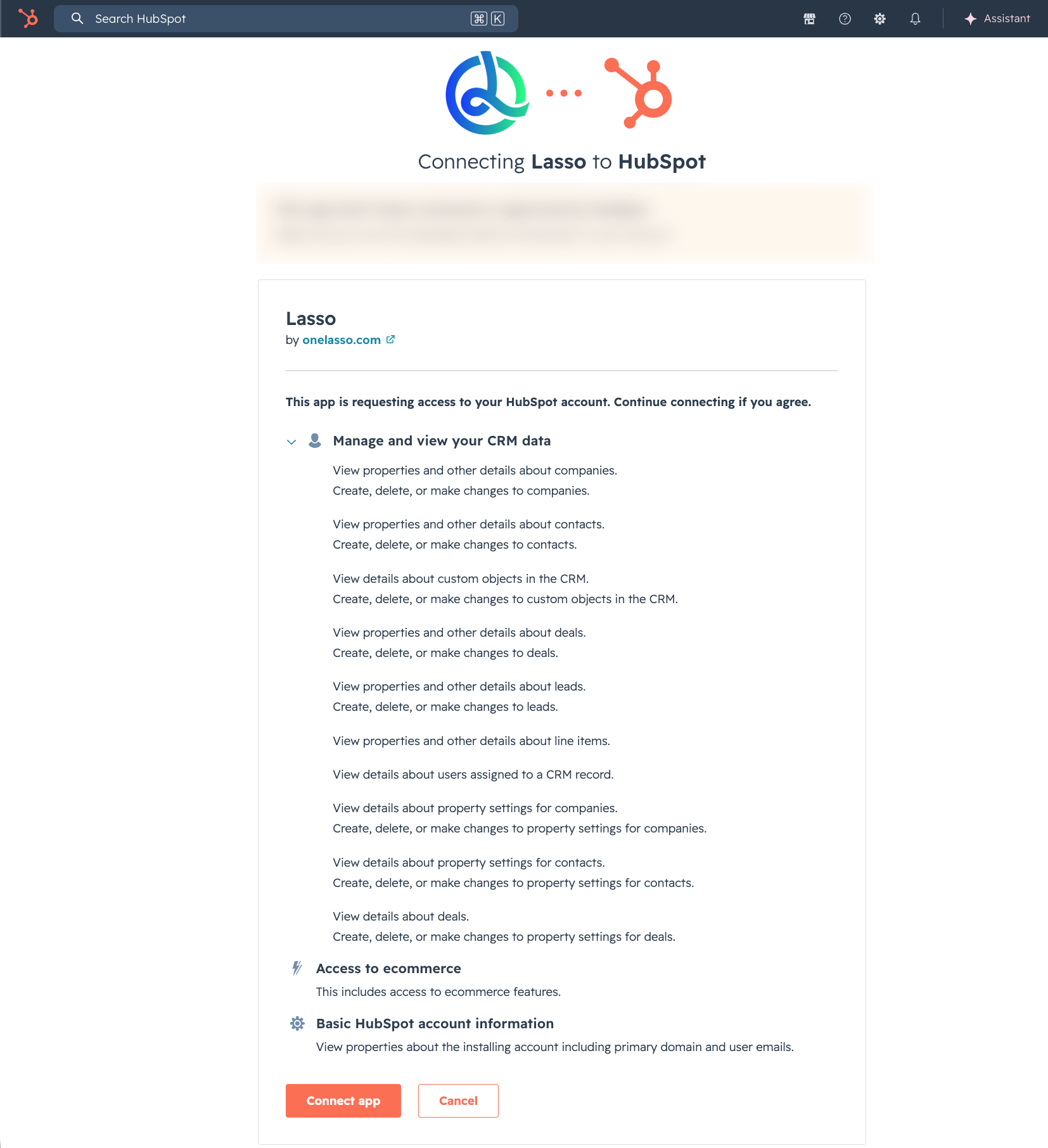
- Review the access Lasso requests and approve it.
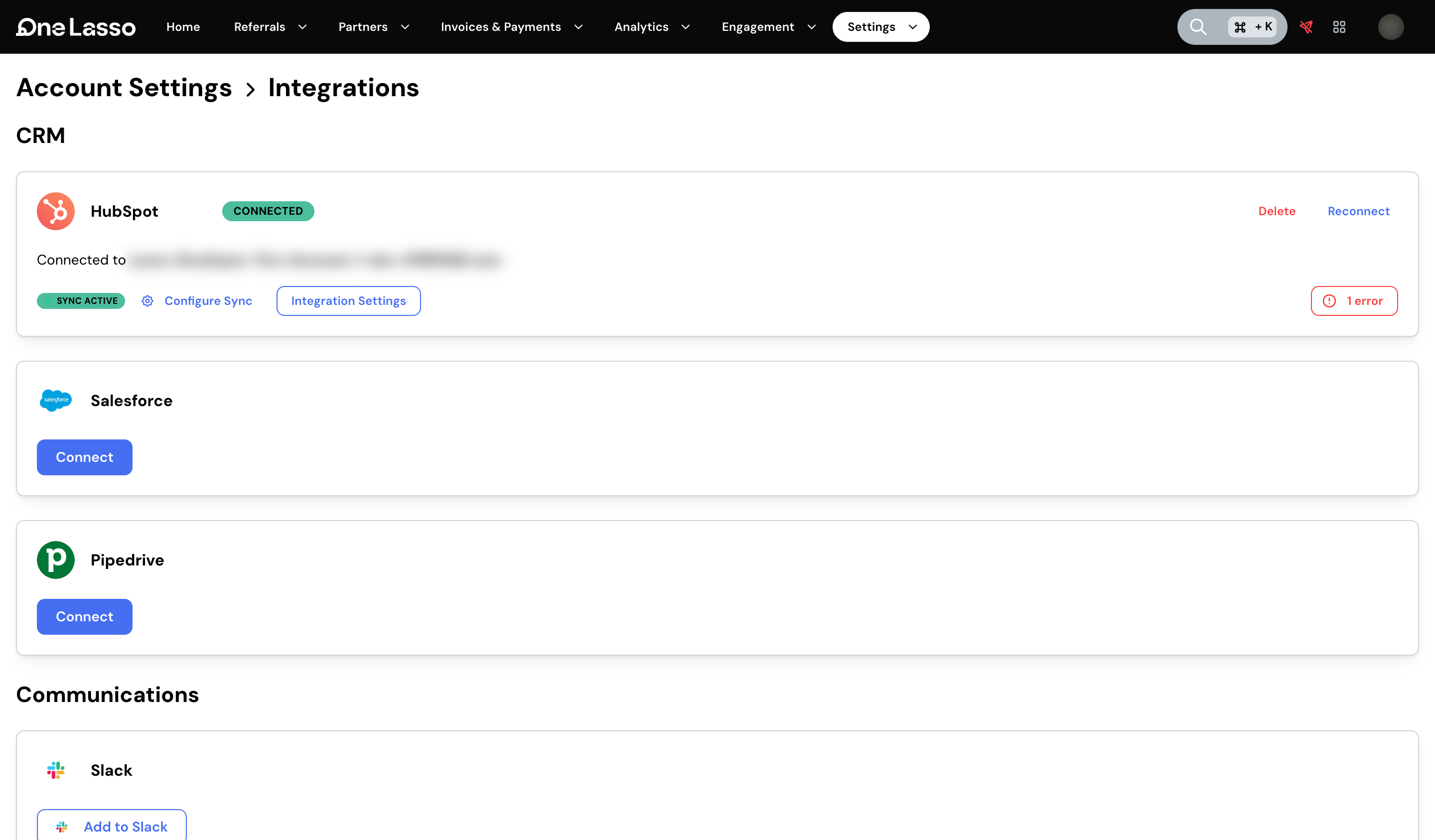
- You are returned to Lasso with the connection live. Lasso reads in your pipelines and deal stages so you can map them, and matches your Lasso team members to their HubSpot owner records by email.
What you configure after connecting
Open Settings, then Integrations, then HubSpot to set how data flows between the two systems. The main options are:
- Partner sync: how partners and their contacts are represented in HubSpot.
- Referral sync: what Lasso creates in HubSpot when a referral is created and when it is accepted.
- Deal stage mapping: how your HubSpot pipeline stages line up with Lasso referral statuses, in both directions.
- Deals from HubSpot to Lasso: partner-sourced deals your sales team creates in HubSpot come into Lasso as referrals, credited to the partner they belong to.
- Record matching: choose how Lasso recognizes companies and contacts that already exist in HubSpot, so it links to them instead of creating duplicates.
- Partners from HubSpot to Lasso: if your partners already exist as HubSpot companies, import them by rule instead of re-entering them. Useful when you’re first getting set up.
- Partner-link attribution from your CRM: recognize deals that already carry a Lasso referral link in a deal property and attribute them to the right partner automatically.
- Field mapping: exactly what data Lasso writes to each HubSpot record. See CRM field mapping.
Association labels
Lasso sets up association labels in HubSpot when you connect, so a partner attached to a deal reads as the referring partner rather than another customer on the deal. You don’t need to create them. Details, including how to rename them, are in the full setup guide.
Uninstalling
You can disconnect at any time from Settings, then Integrations, then HubSpot in Lasso, or by removing the Lasso app from Settings, then Integrations, then Connected Apps in HubSpot. Removing the connection stops all sync. It does not delete records already written to either system.
Get help
For setup questions, contact our support team.
The full walkthrough, with field-level configuration, association labels, and troubleshooting, lives in your Lasso account:
Advanced configuration and troubleshooting live in your Lasso account.